Numbers (main keyboard and numpad): Use the number keys on the main keyboard and number pad to insert a number in to the currently selected cell. If pencil mode is activated, a pencil mark will be inserted in to the current cell instead.
Arrow keys: Move the currently selected cell up/down/left/right.
Ctrl/Shift/Alt with number: Use the Ctrl/Shift/Alt keys with a number key to insert a pencil mark in to the currently selected cell. If pencil mode is activated, using Ctrl/Shift/Alt keys with a number key will insert that value in to the current cell (not a pencil mark).
Delete/Backspace: If there is a value inserted in the currently selected cell, the value will be removed. If there is pencil marks inserted in the currently selected cell, the pencil marks will be removed.
- and =: These keys (and most of the other symbol keys on a keyboard) will activate/deactivate pencil mode.
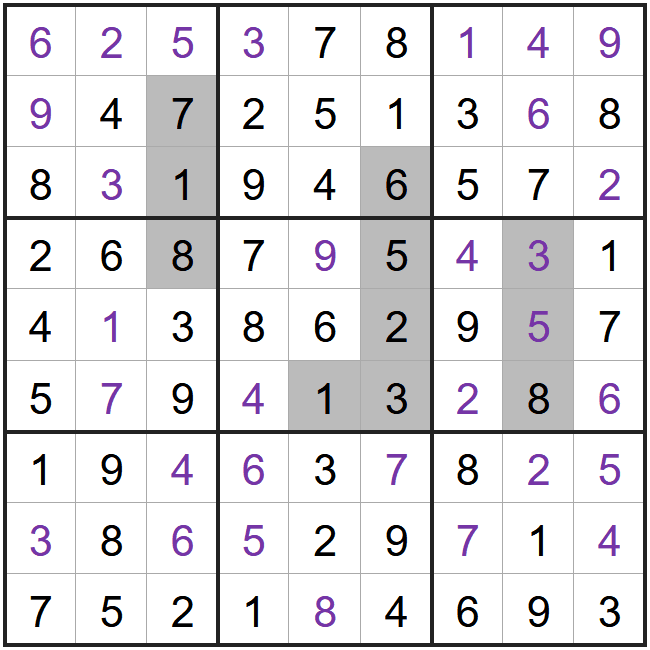
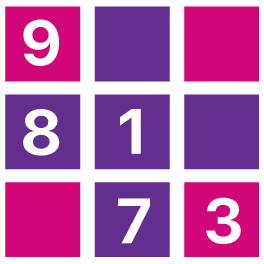
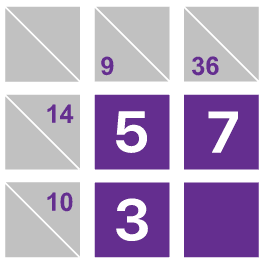
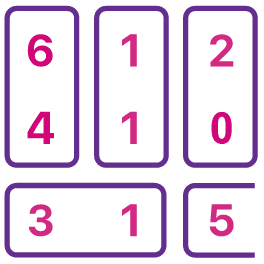
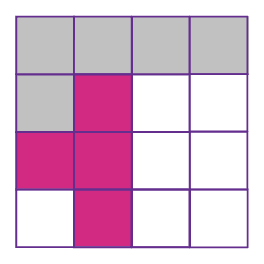
This is an example of a completed Addition Sudoku puzzle.
Each group of grey cells forms an addition sum. There are 3 in this grid,
7+1 = 8
6+5+2 = 13
3+5 = 8
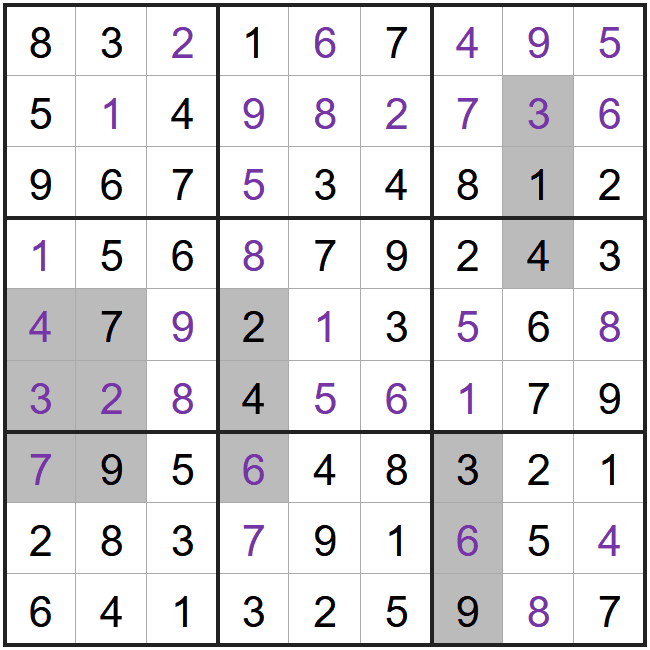
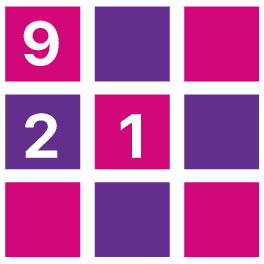
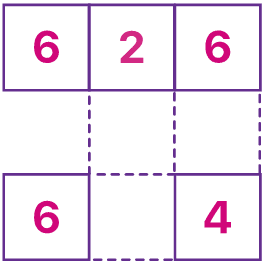
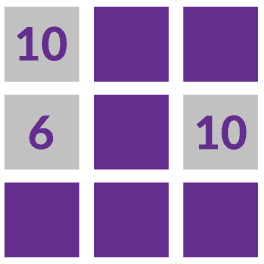
This is another example of a completed Addition Sudoku where we can check the sums again,
 Download image

 Addition Sudoku leaderboard
 How to play